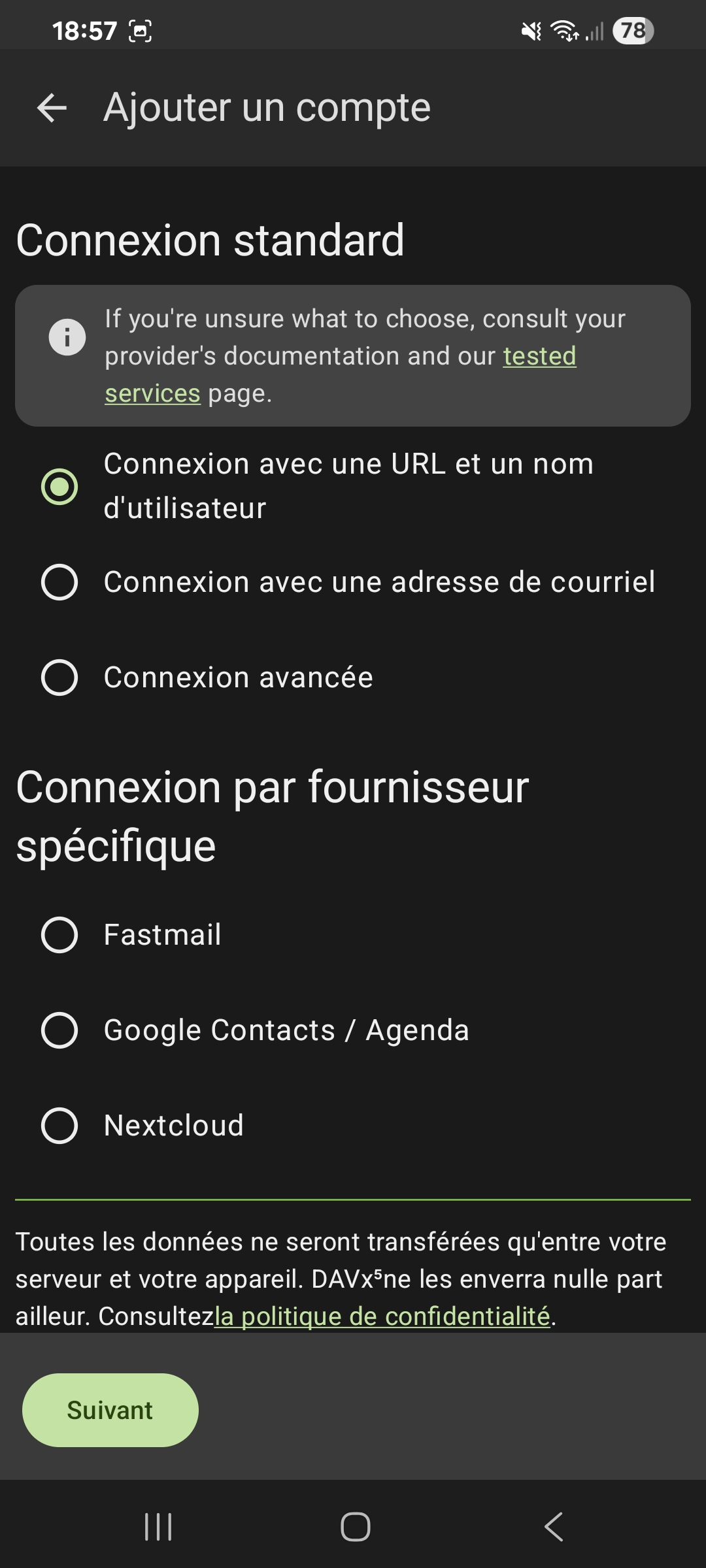
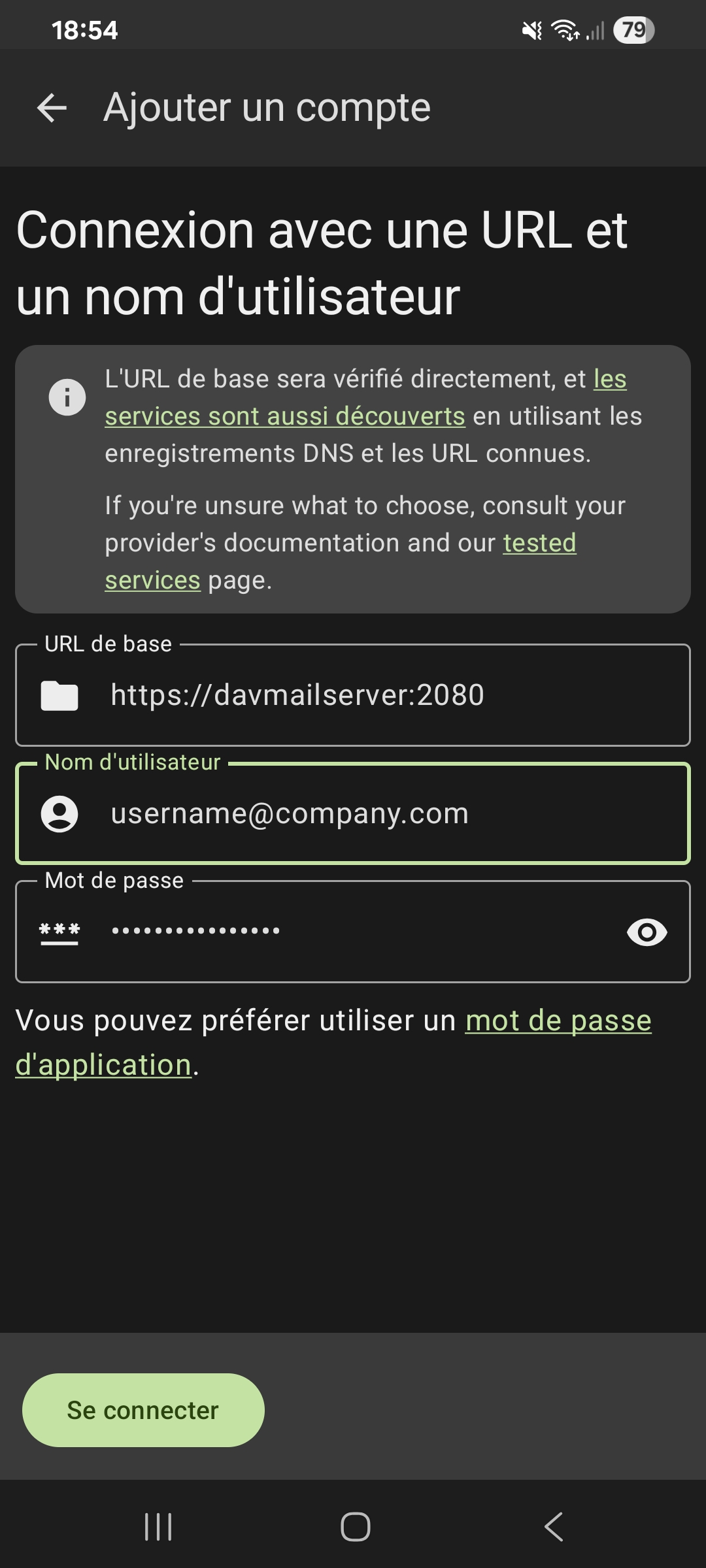
Android DAVx5 setup
Note: you can't install DavMail directly on a phone, you need a separate DavMail server, see Android setup.
Install DAVx5
The easiest way to sync your Exchange calendar and contacts on Android is to rely on DAVx5. DAVx5 is available on Google play store and F-Droid.
The DAVx5 team checked compatibility with DavMail, see: https://www.davx5.com/tested-with/davmail-gateway